Sample OMR answer sheets
Three sheets drawn by the software itself, filled in as a candidate would. Each one was designed in the app for its exam; yours will carry your own title, fields and layout.
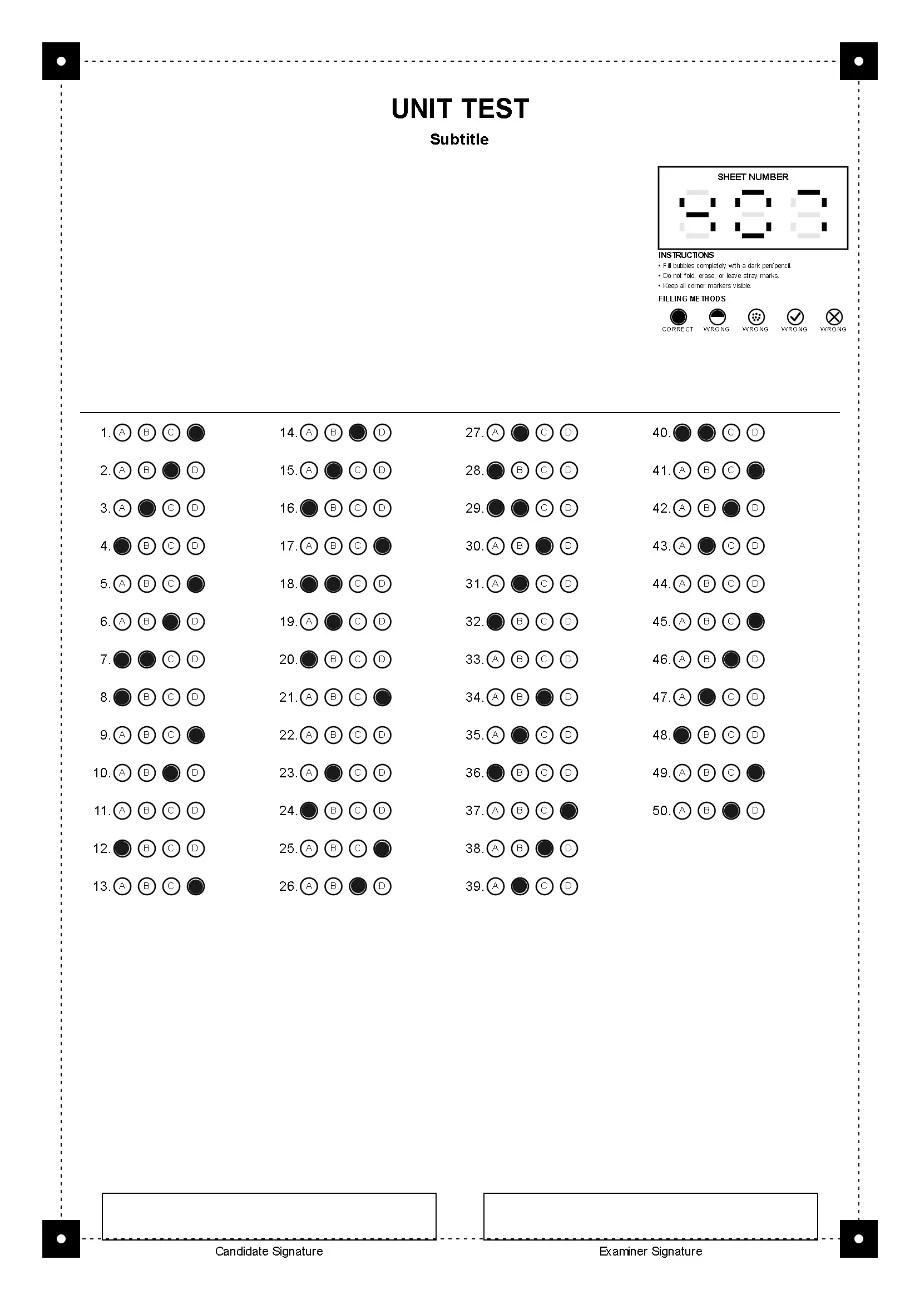
50 MCQ answer sheet
50 questions · 4 columns · options A–D · sheet number
A class test or weekly quiz. Plenty of space for a title and instructions; the sheet number lets the software catch a sheet photographed twice.
Download the sample (PNG)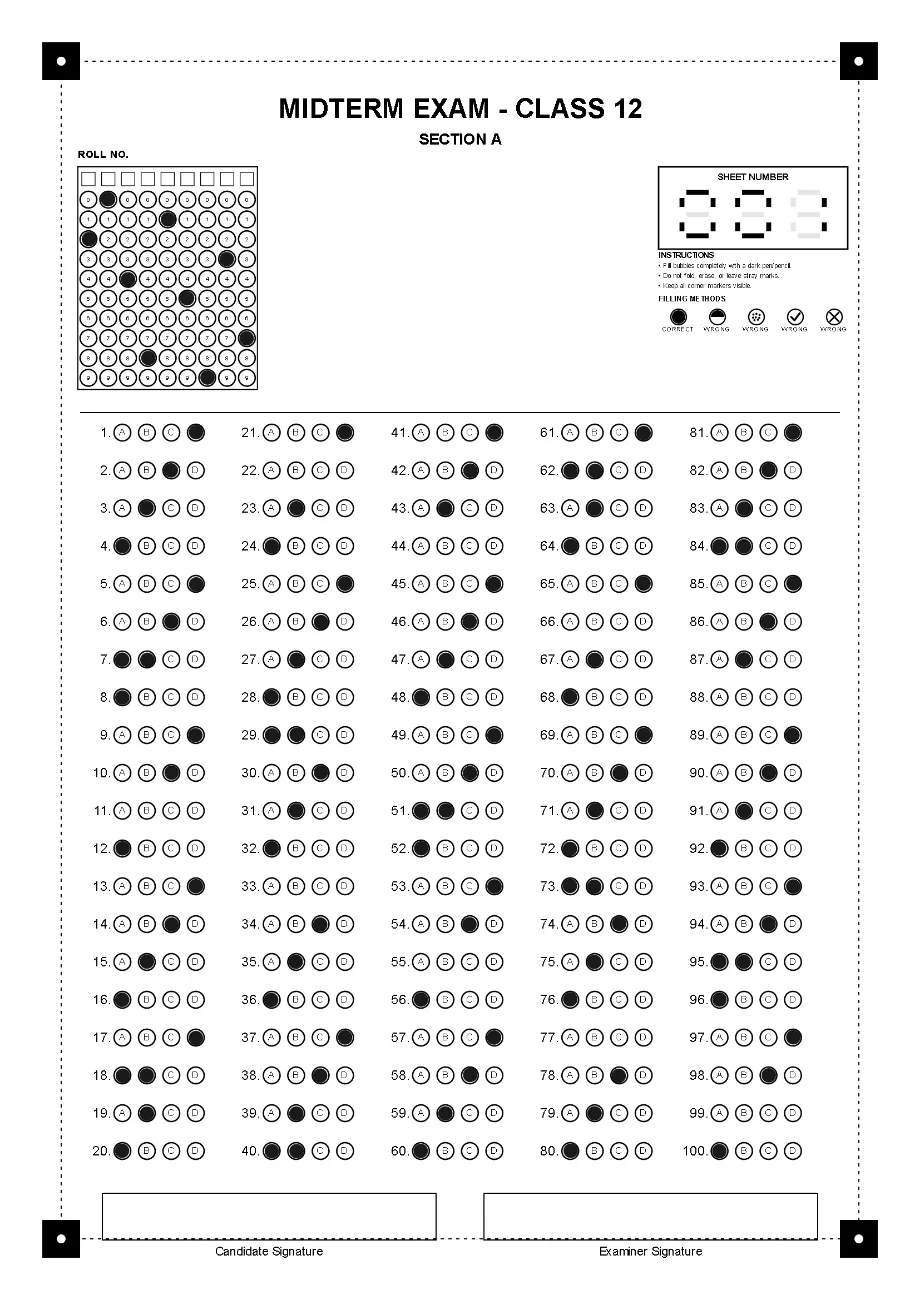
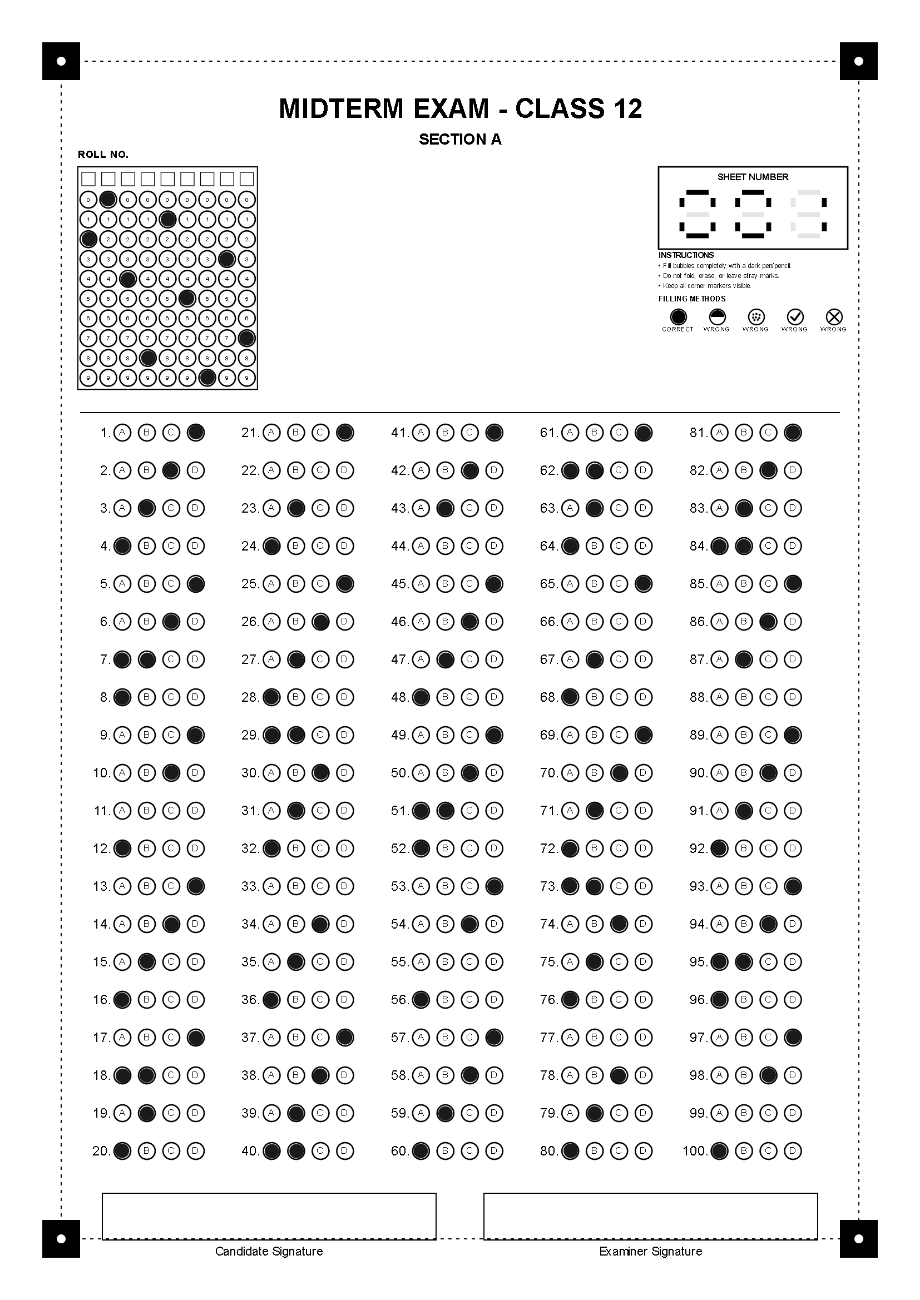
100 MCQ answer sheet with roll number
100 questions · 5 columns · options A–D · 9-digit roll number
A term paper with the candidate’s roll number bubbled in, so results are matched to the class register automatically. Signature boxes for candidate and examiner.
Download the sample (PNG)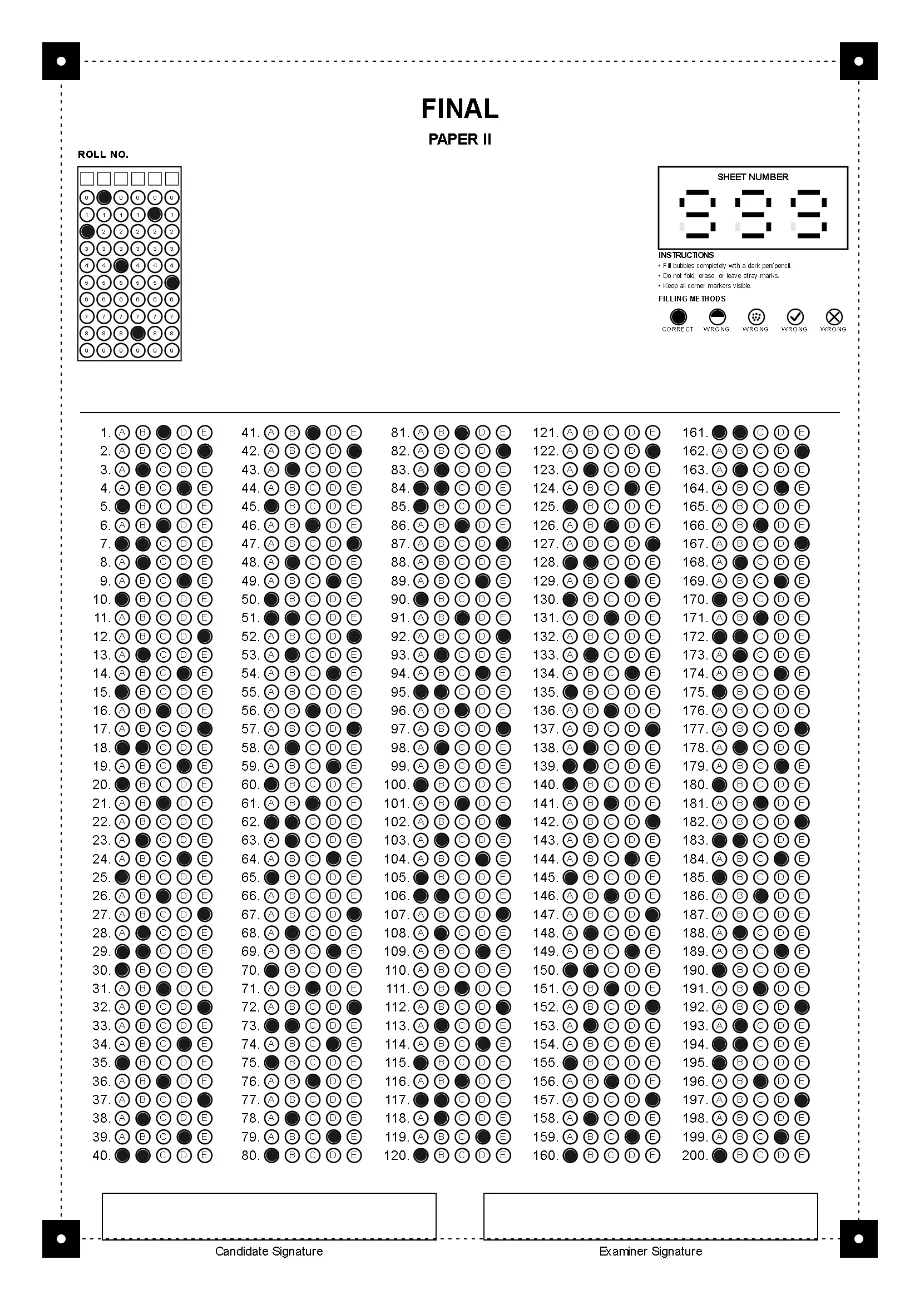
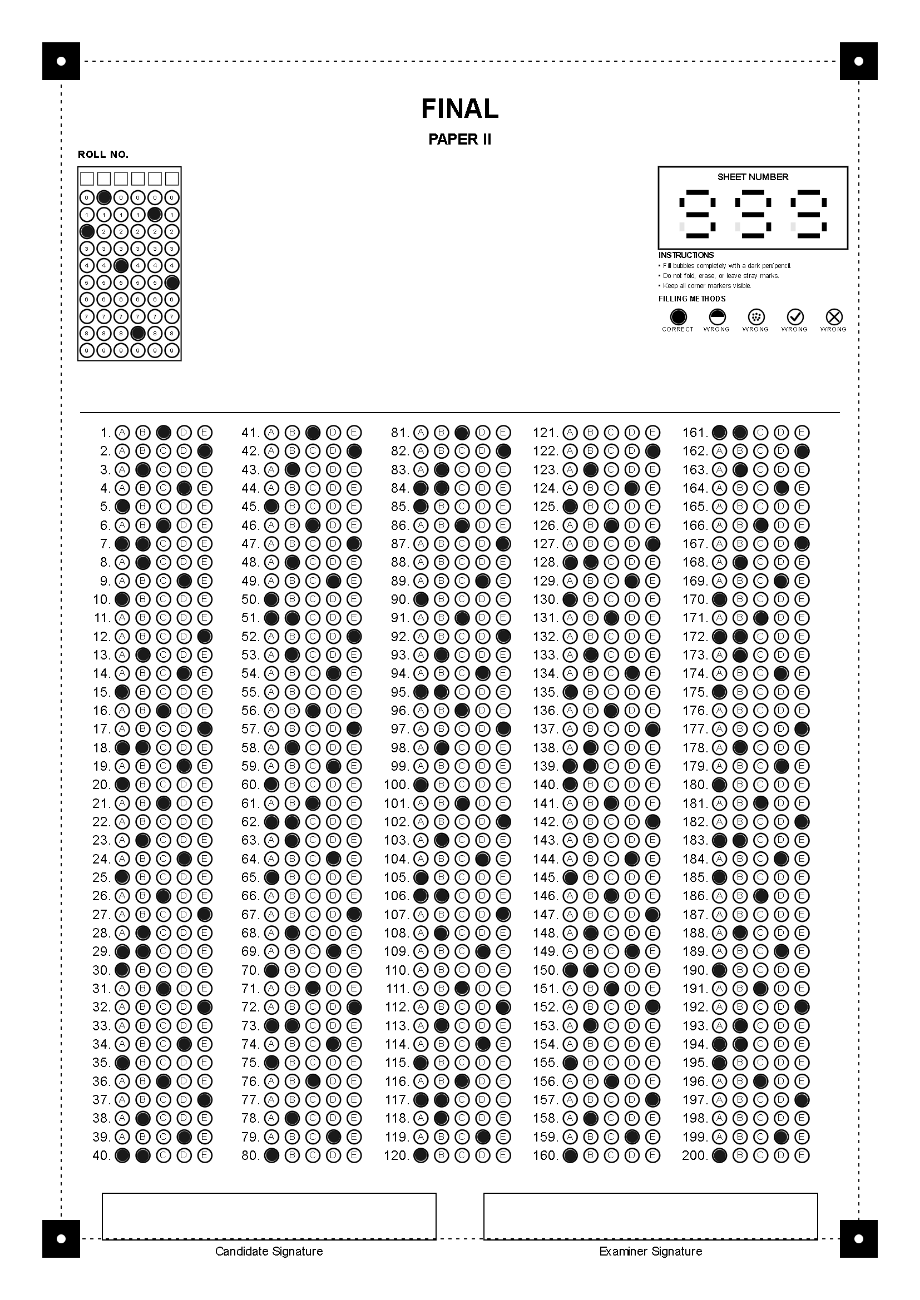
200 MCQ answer sheet, 5 options
200 questions · 5 columns · options A–E
A full-length mock entry test on one A4 page. The software shrinks the bubbles as the sheet fills, so 200 questions with five options still fit.
Download the sample (PNG)
Why you design your own sheet instead of printing these
A sheet is read against the exact layout it was printed from. The software draws the sheet from your exam’s settings, so the bubbles are always where the reader expects them. These images show what you will get; to grade real papers, create the exam in the app and print its sheets.
- Print on A4 at 100%, never “fit to page”.
- Print one test sheet and check it before the full run.
- Keep all four black corner markers clean and inside the scan or photo.
Design a sheet for your next exam.
Set the questions, options and fields in OMR Software and print a test copy on A4.