Downloads

The Windows software is available now. The Android app is in testing and will be listed on Google Play when it is released.

OMR Software for Windows

Version 1.0.0 · Windows 10 or 11, 64-bit

  • Design, print, scan and grade on one PC
  • Activate once online with your licence key, then work offline
  • One licence per computer, permanent or for a set period

The installer is not yet published for direct download. Ask us and we will send you the setup file with your licence details.

How to install
  1. Run OMR Software Setup 1.0.0.exe and choose the installation folder.
  2. Open OMR Software from the Start menu and enter your licence key while connected to the internet.
  3. Design a sheet, print a test copy on A4, and confirm it before your first print run.
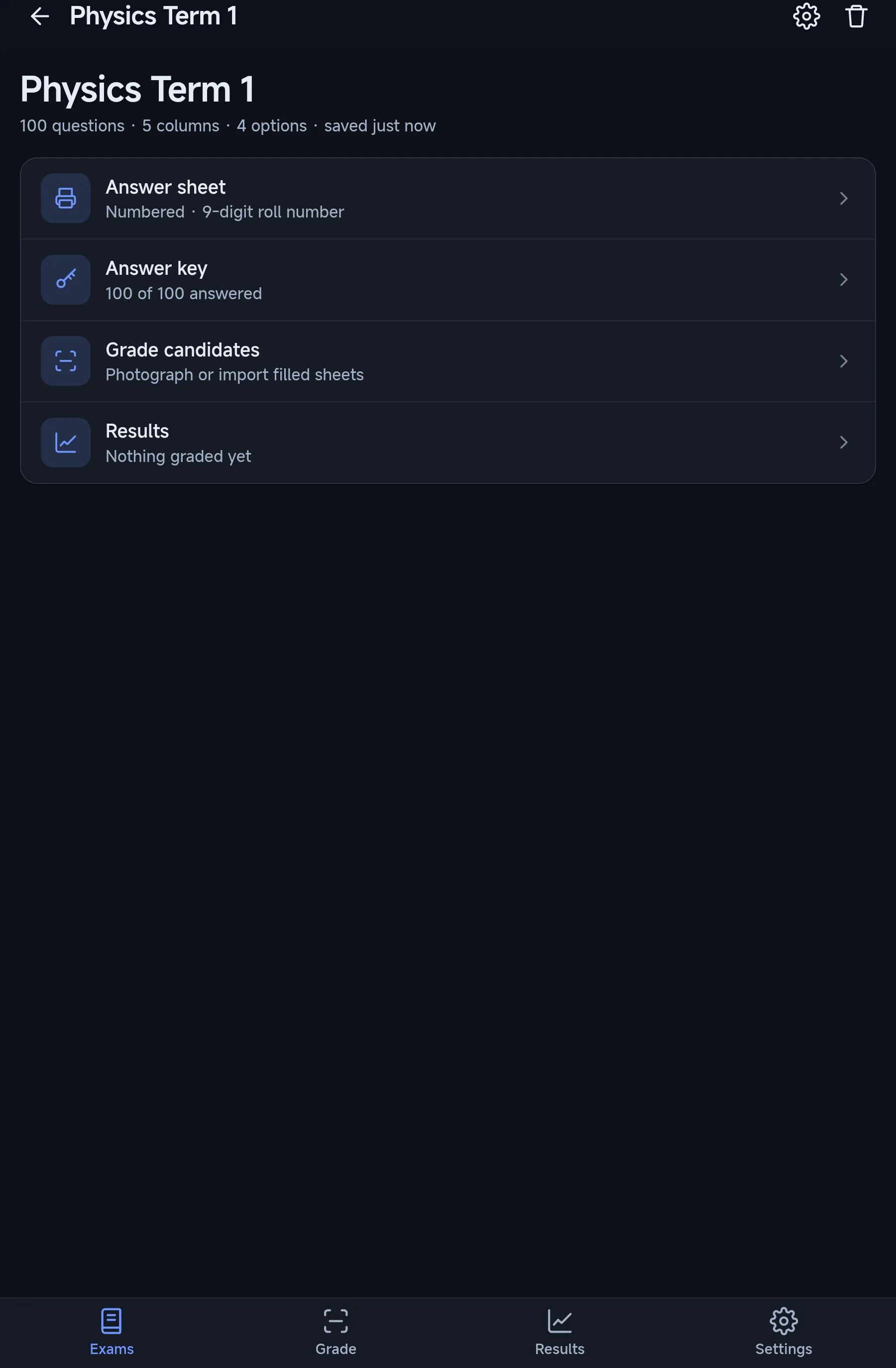
OMR Sheet for Android

Android 7.0 or later · In testing

  • Grade sheets from the camera or the photo gallery
  • Same sheets and same marks as the Windows software
  • Free daily grading allowance with a Google sign-in

Not on Google Play yet. Leave your details and we will tell you when it is released.

Licences and pricing

One licence per computer, no charge per sheet, and no internet needed once it is activated.

Windows licence
Activates on one computer. Permanent, or for a set period counted from the first activation.
Sheets and exams
No charge per sheet graded or per exam; the licence covers the software on that computer.
Moving to a new computer
Ask us to release the licence from the old computer, and any remaining time carries over to the new one.
Price
On request. Tell us how many computers you need.
Android app
Free to install, with a free daily grading allowance after signing in. A paid plan for more grading is planned.

What happens after you ask

  1. Send a message from the contact page with the number of computers.
  2. We reply with the price, the installer and your licence key.
  3. Install, enter the key while online, and print a test sheet.
Ask for a licence price
WhatsApp