Everything the software does, platform by platform.

Answer-sheet design, reading, marking, candidate registers and exports. The table at the end shows exactly which features are on Windows and which on Android.

Main features

Sheets drawn for the exam in front of you

Set 1 to 200 questions, 3 to 6 options, a roll-number grid and a sheet number. The layout shrinks the bubbles as the sheet fills, so 200 questions still fit one A4 page.

  • Title, subtitle and your own fields
  • Sheet numbers 001 to 999 for duplicate checks
  • Windows: PNG at 600 DPI or PDF of up to 20 numbered sheets
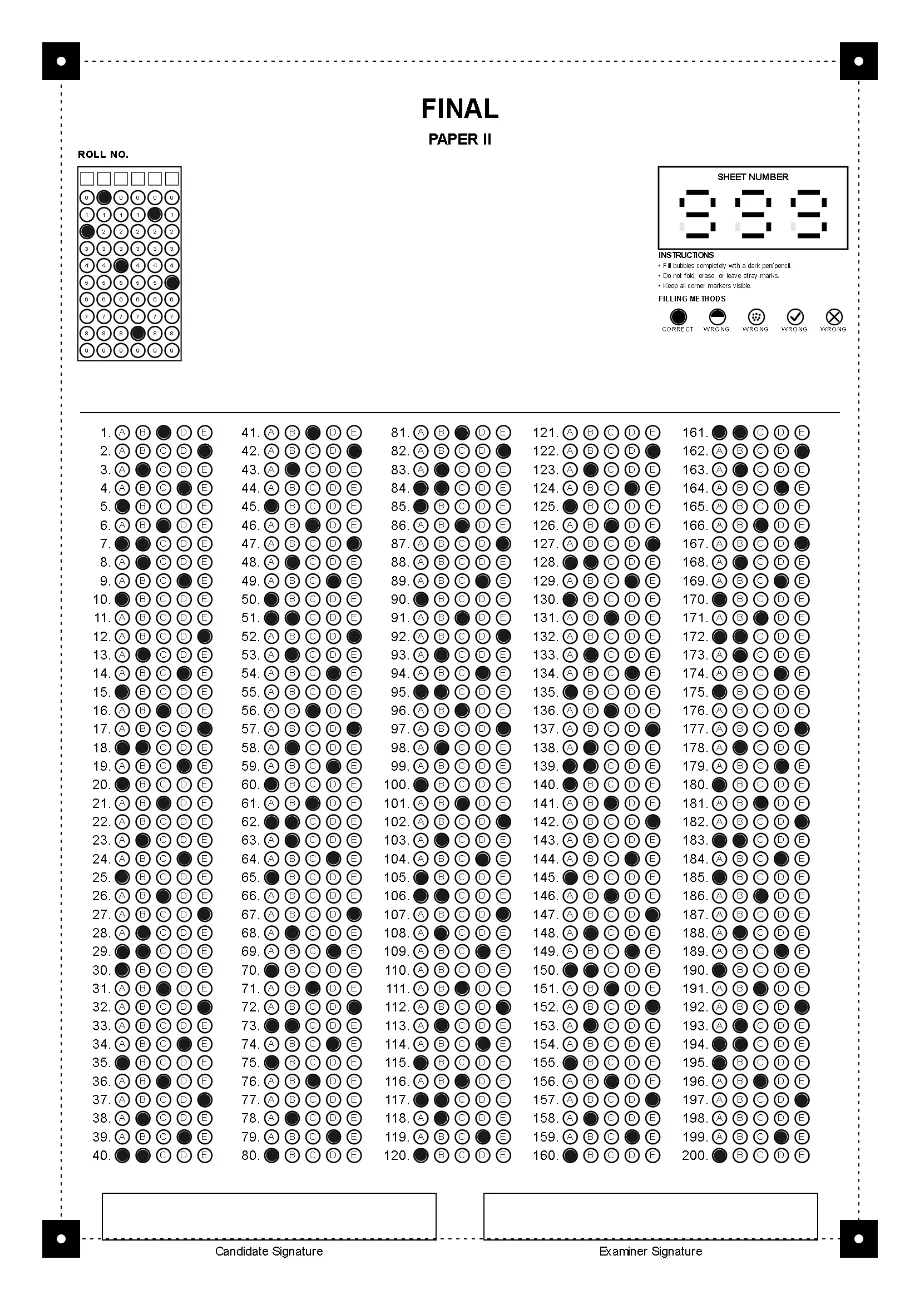
A 200-question answer sheet with five options per question, laid out in five columns on one A4 page.

Reads photos and scans that are not perfect

The four corner markers are located and the page is straightened before a single bubble is read, so a sheet photographed at an angle or under a shadow is measured in the right place.

  • Perspective correction from the corner markers
  • Corners placed by hand when one cannot be proven
  • Checked against a set of rotated, shadowed and low-quality sheet images
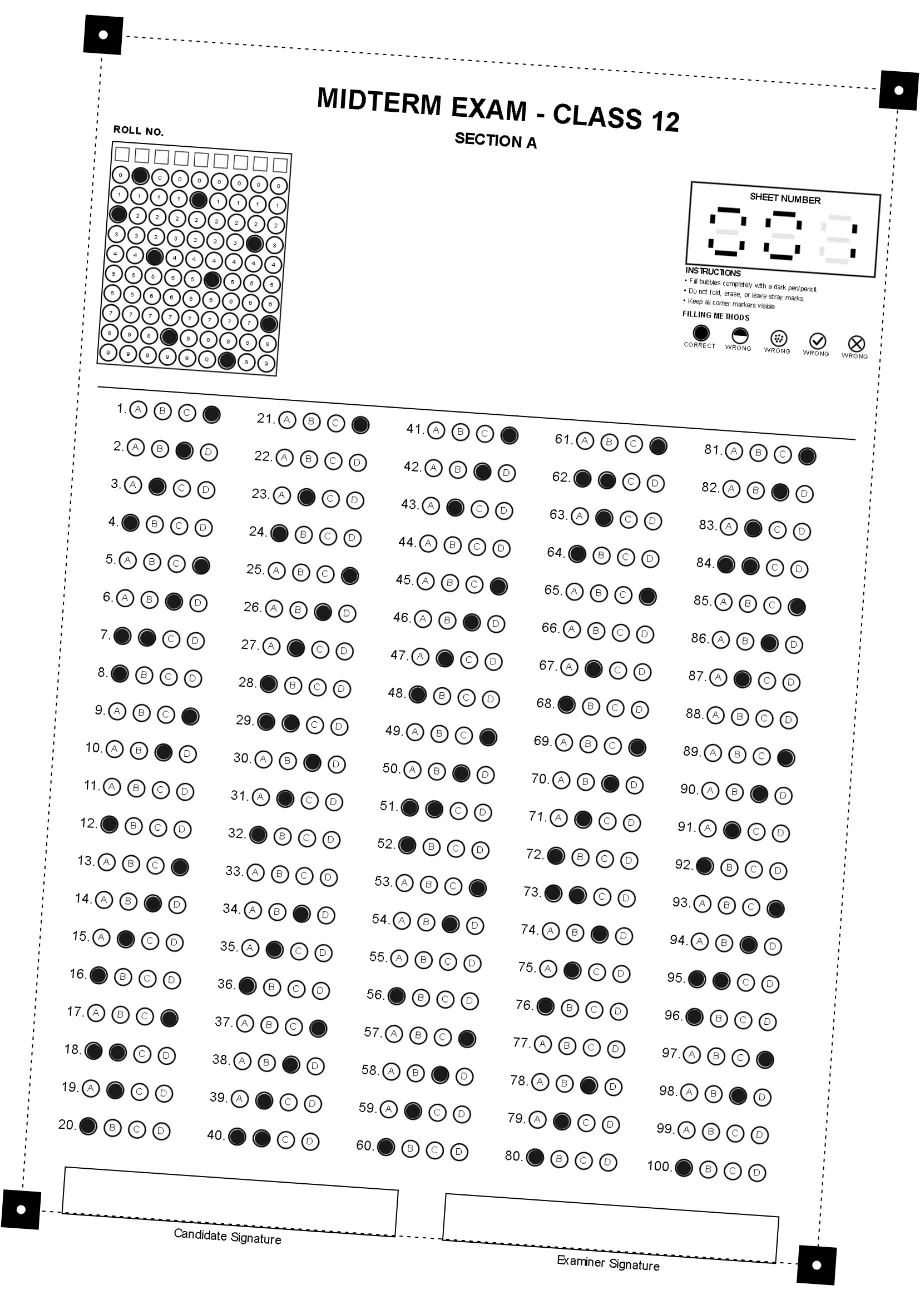
A filled answer sheet photographed rotated by about 4 degrees.
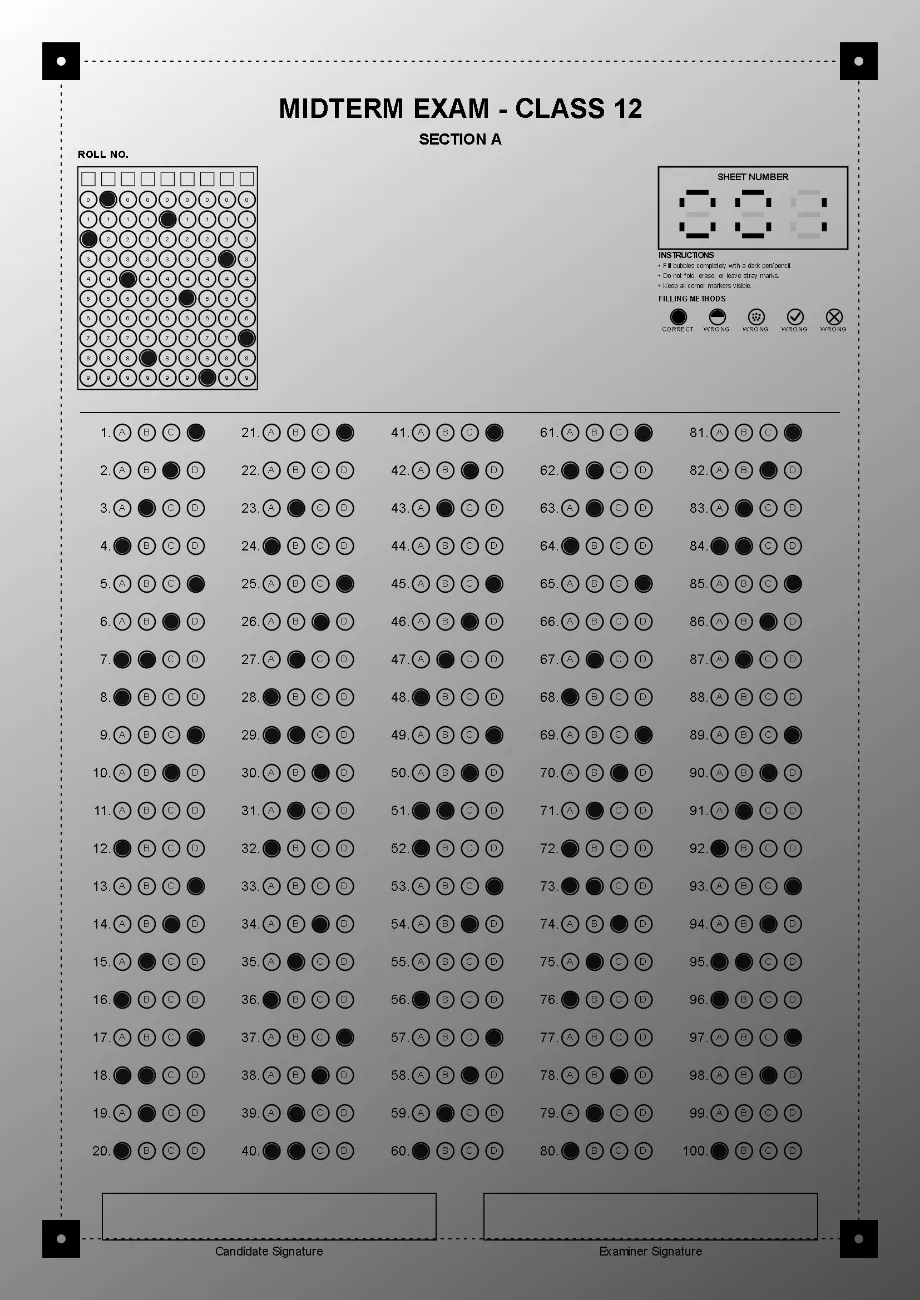
A filled answer sheet with a heavy shadow across part of the page.

Marks with negative marking and per-question values

Give every question its own mark for a correct answer and its own deduction for a wrong one, or leave negative marking off and each correct answer counts 1.

  • Answer key typed in, or read from a filled reference sheet on Windows
  • Two marks on a question and blanks flagged
  • Every candidate’s answers open for review
Correct answer
+4
Wrong answer
−1
Question 1, weighted
+10
Negative marking off
+1 each

How the grading engine is checked.

The engine is tested against sheet images made hard on purpose: rotated, shadowed, cropped and low quality. These are the results from the most recent run, on 4 September 2026.

Corner decisions
180 of 180 right

45 damaged sheet images, four corners each. A corner that could not be proven was refused, never guessed.

Answers checked
3,650 on 34 sheets

No answer was read as a confident wrong letter. The few misreads were all flagged for review as two marks or blank.

Mark calculations
102 of 102 agree

Every score was compared with an independent calculator written from the marking rules.

Results on the test images, not a promise for every sheet: printing, filling and scanning all affect a real read, which is why flagged sheets are always shown to you.

Windows and Android, feature by feature.

Checked against the source of both apps. Where a platform does a thing differently, the table says how.

Answer sheets

FeatureWindowsAndroid
Design an A4 sheet: title, subtitle, extra title and custom fieldsYesYes
1 to 200 questions in 2, 4 or 5 columnsYesYes
3 to 6 options per question (A to F)YesYes
Roll-number grid, 1 to 9 digitsYesYes
Sheet numbering, 001 to 999YesYes
PrintDirect to a chosen printer, forced to A4Print the saved images at A4 from any app
Save sheets to filePNG at 600 DPI, PDF of up to 20 sheetsOne PNG per sheet at 300 DPI
Test-sheet check before a print runYesNot available

Answer key and marking

FeatureWindowsAndroid
Enter the key by handYesYes
Read the key from a filled reference sheetYesNot available
Negative markingYesYes
Different marks per questionYesYes

Reading and grading

FeatureWindowsAndroid
Corner-marker detection and perspective correctionYesYes
Place corners by hand when a marker cannot be provenYesYes
Roll number and sheet number recognitionYesYes
Batch grading, reviewed in one tableYesYes
Sheets from image filesJPG, PNG and PDFFrom the photo gallery
Sheets from the cameraNot availableYes
Sheets from a document scannerWIA feeder and flatbedNot available
Flags for multiple marks, blanks and duplicate sheet numbersYesYes
Correct a detected roll number, serial or nameYesYes

Classes and candidates

FeatureWindowsAndroid
Classes with their own register of studentsYesYes
Import a class list from Excel (.xlsx) or Word (.docx)YesYes
Names filled in from the register by roll numberYesYes

Results and exports

FeatureWindowsAndroid
Results per exam, with each candidate’s answersYesYes
Excel workbook (.xlsx), one row per candidateYesYes
Marked sheet imagesYesYes
PDF of marked sheetsOne per candidate, or one combinedOne file for the exam
Results backup file (JSON) that opens on the other platformYesYes
Sheet templates and answer keys as filesYesYes
Share a resultResult PDF, or a WhatsApp chat opened for youThrough the Android share sheet

Running the software

FeatureWindowsAndroid
Works offlineAfter one-time activationGrading, once the day’s allowance is held
LicencePer device, permanent or time-limitedFree daily allowance with sign-in
ThemesFiveLight and dark, following the system
Student data and sheet images stay on the deviceYesYes

Not offered on either platform: CSV export, cloud sync of results, an iPhone app.

Print your first answer sheet today.

Install OMR Software on a Windows PC, design a sheet for your next test, and print a test copy before the real run.

WhatsApp