OMR Software for Windows
Prints straight to your printer at A4, reads stacks from a document scanner or image files, and keeps classes, registers and results on the PC.
See the Windows softwareWindows · available nowAndroid · in testing
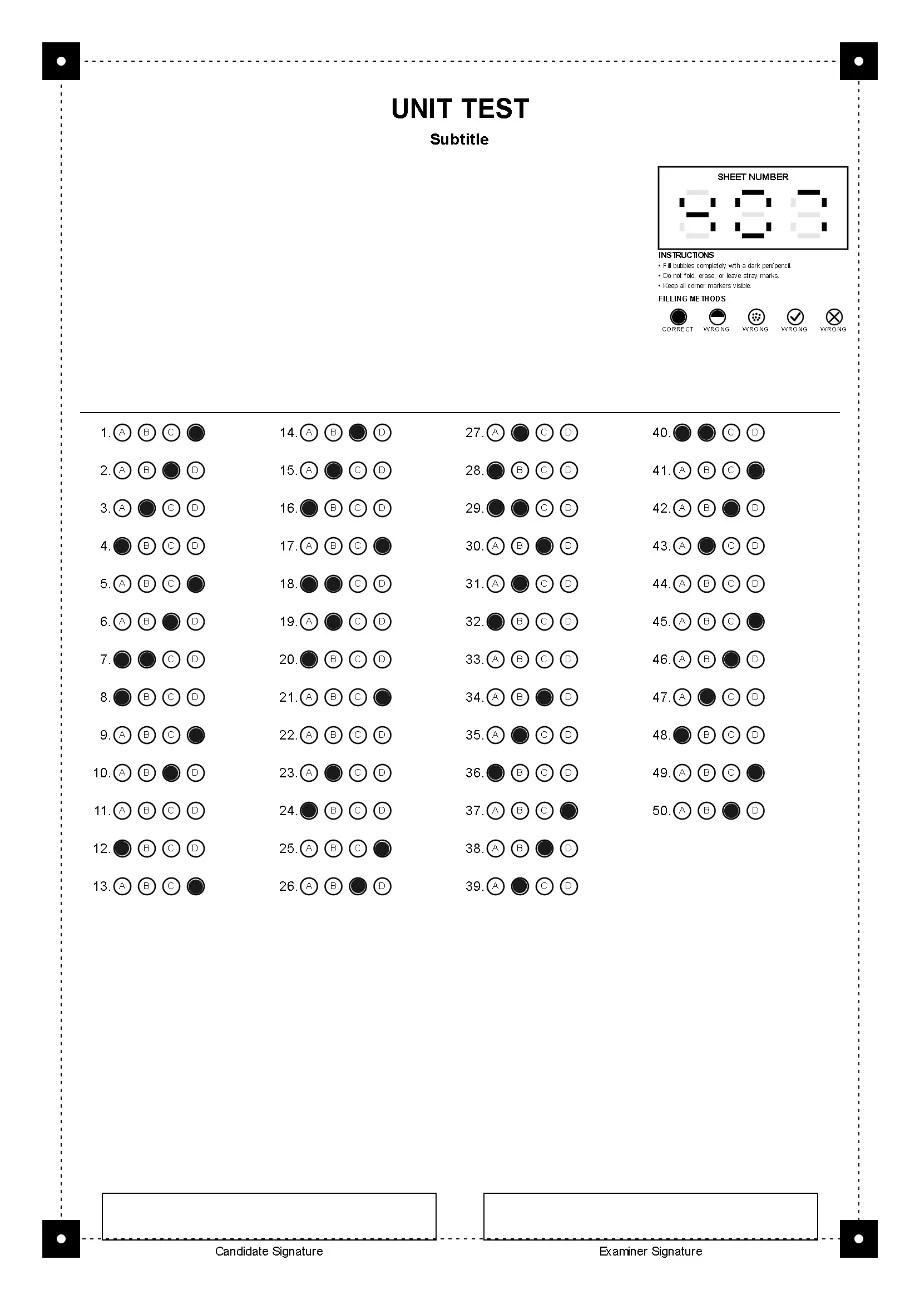
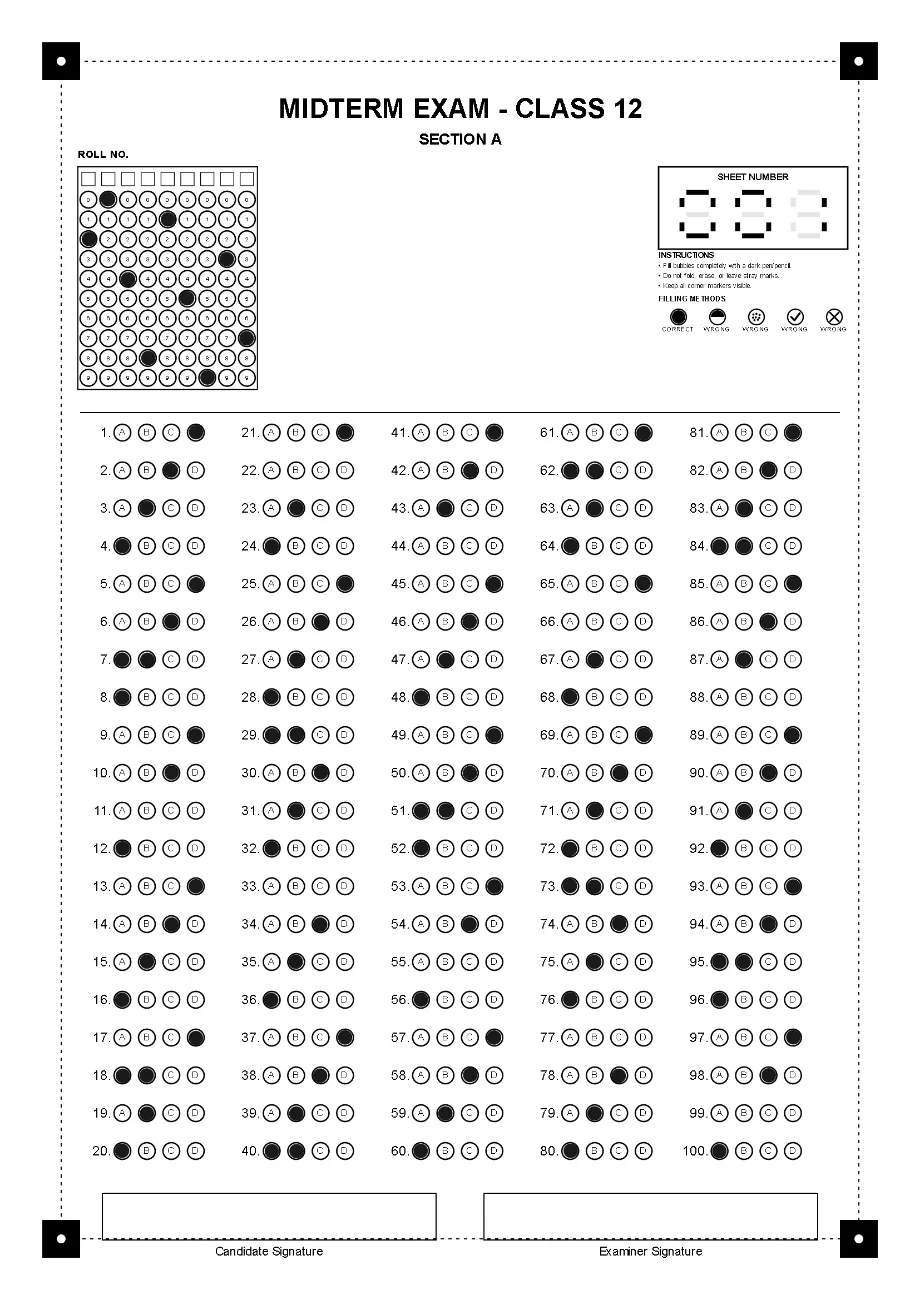
Design a bubble sheet for each exam, print it on plain A4 paper, then scan the filled sheets. The software reads every answer, roll number and sheet number, and marks it against your key.
No pre-printed forms to buy. You set the questions, options and fields, and the sheet is drawn to fit them on one A4 page.
Four black squares with a white dot. The software finds the page by them and corrects the angle of the photo or scan.
1 to 9 digits, one column per digit. The roll number links the sheet to a student on the class register.
Printed from 001 to 999, so two photos of the same sheet are caught as a duplicate.
1 to 200 questions in 2, 4 or 5 columns, with 3 to 6 options each.
Exam title, section, signature boxes and other fields you add to the sheet.
The same order on Windows and Android, so a sheet printed from one can be graded on the other.
Name the exam, choose the number of questions and options, switch on the roll number and sheet numbering, and enter the answer key with its marks.
The A4 sheet is drawn from your settings, with four corner markers, your title fields and a bubble for every option. Numbered sheets run 001, 002, 003.
Print a test sheet first and check it. Windows prints straight to the chosen printer at A4; on Android, save the sheets and print them at A4 with fit-to-page off.
Candidates fill each bubble completely with a dark pen or pencil, write their roll number in the grid, and keep the corner markers clean.
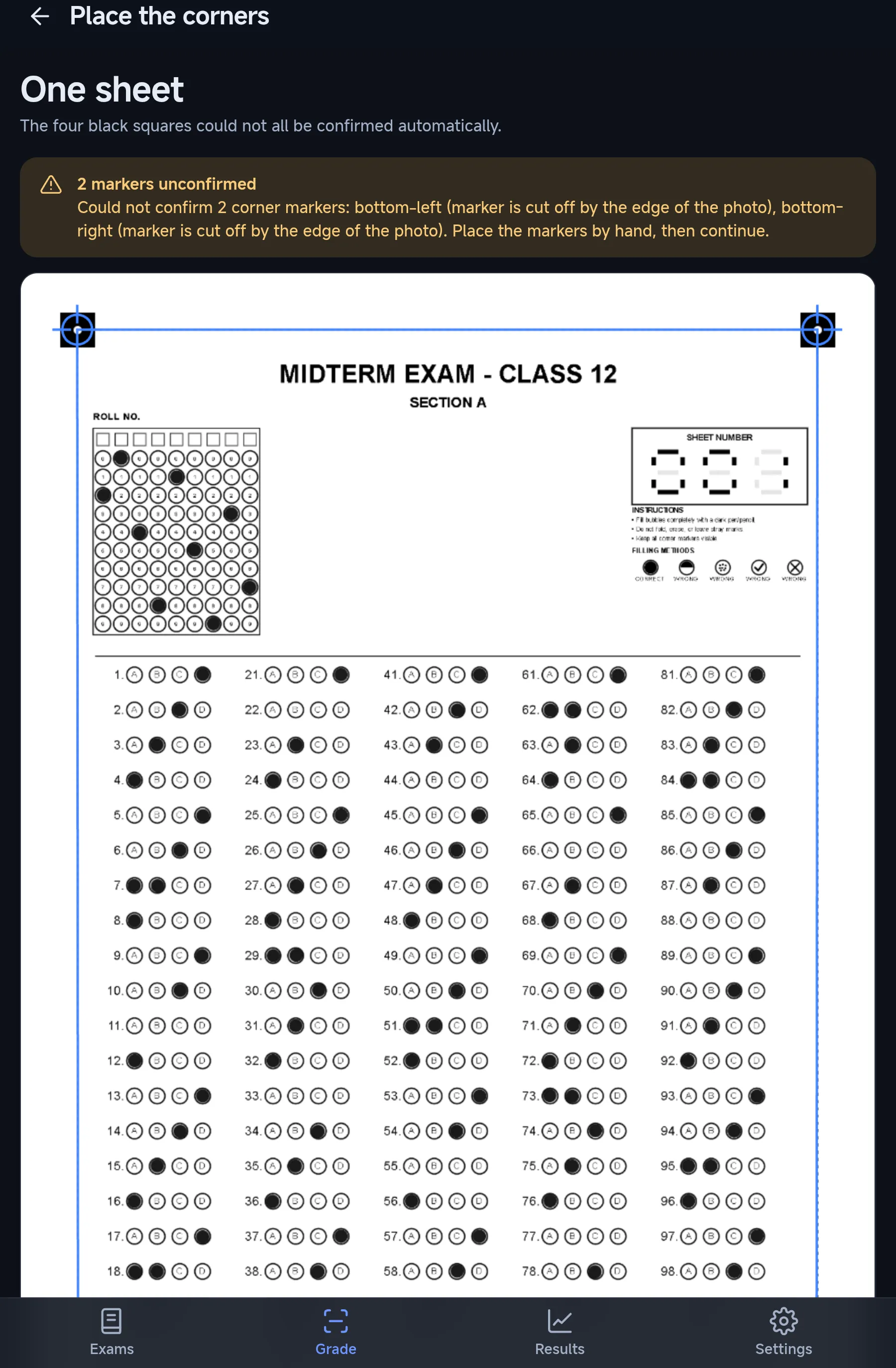
Feed the stack through a document scanner, add image files, or photograph each sheet with the whole page and its four corners in view.
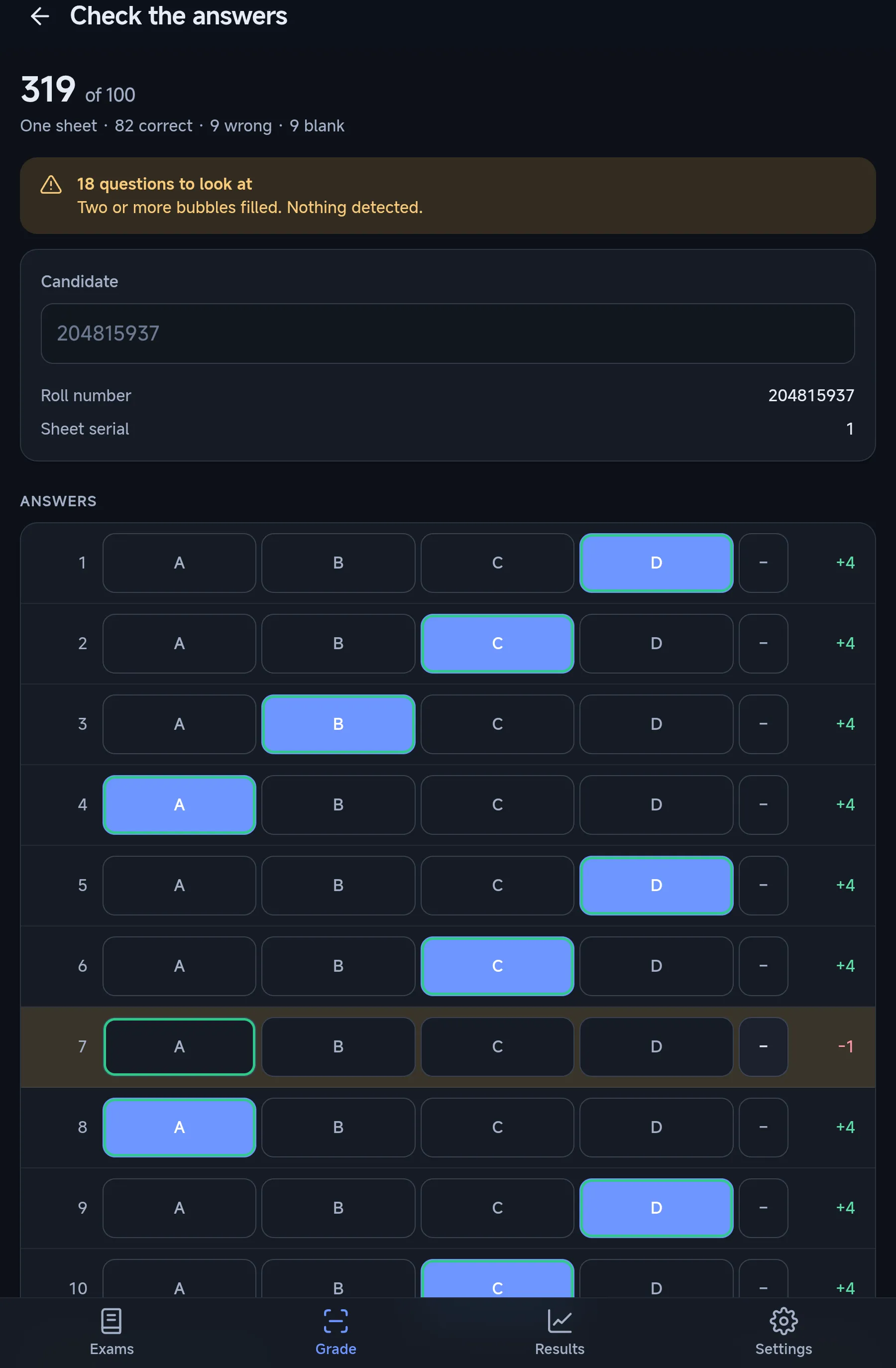
Every sheet is read and scored in one pass. Two marks on a question, blanks, repeated sheet numbers and unknown roll numbers are flagged for you to check.
Save the class results as an Excel workbook, the marked sheets as PDF or images, and a backup file that opens on the other platform.
The Android app runs the Windows engine’s own code, so a sheet scores the same on both.
Prints straight to your printer at A4, reads stacks from a document scanner or image files, and keeps classes, registers and results on the PC.
See the Windows software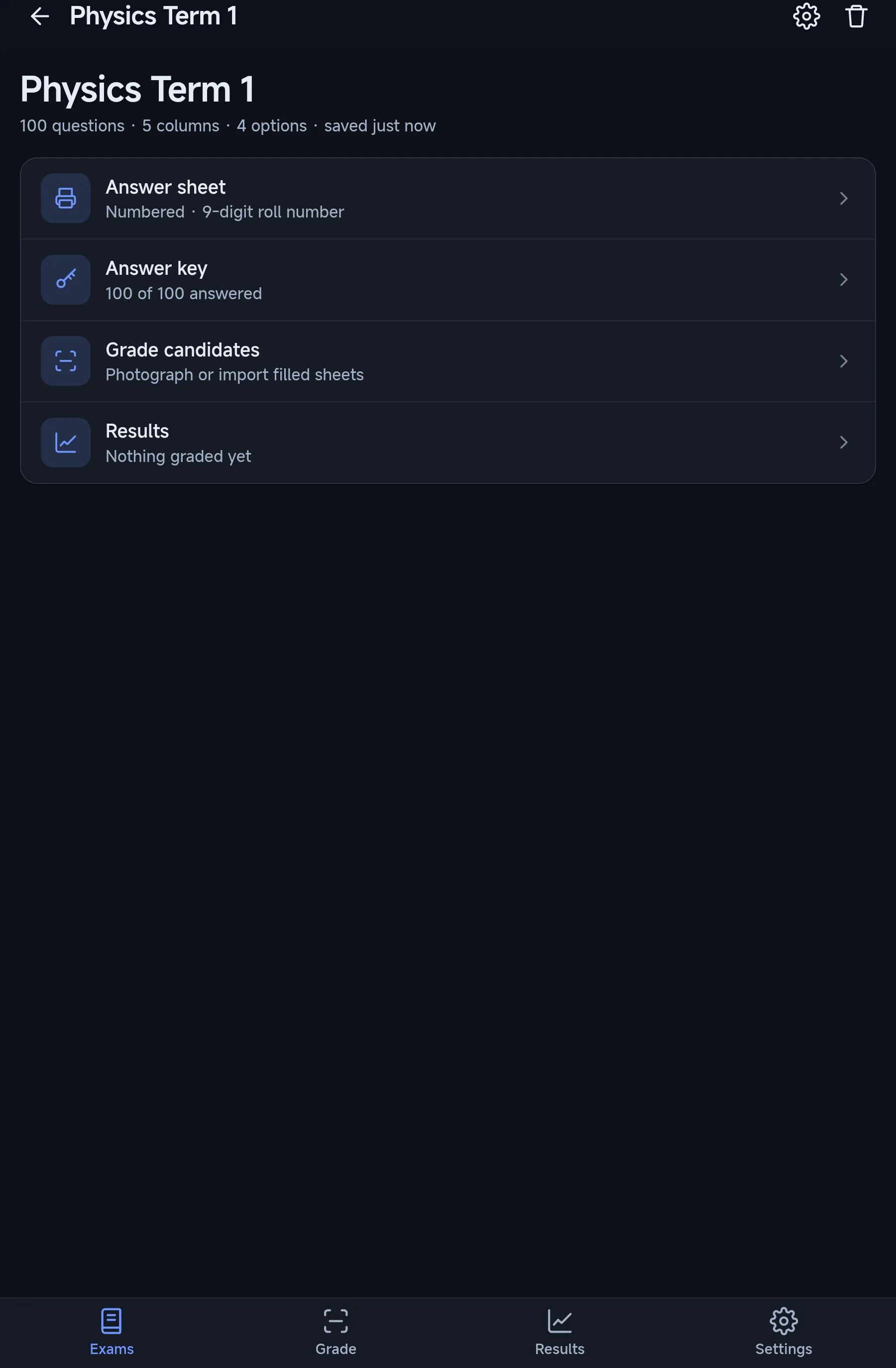
In testing
Grades sheets photographed with the phone camera or picked from the gallery. Built and tested on devices; not yet on Google Play.
See the Android appA wrong mark reaches a real student, so the software stops and shows you what it is unsure of.
Install OMR Software on a Windows PC, design a sheet for your next test, and print a test copy before the real run.